


Description
Download Star Vlog Creator Video Editor Slow Motion APK – vlog editor, video slideshow maker, photo slideshow app, slow motion video, social media video tool, mobile video editor, vlog creator app, video editing app, free video editor, fun video effects
Overview
Star Vlog Creator Video Editor Slow Motion APK is a mobile-focused video editing tool designed for users seeking an accessible way to produce engaging vlogs and slideshow content. Developed by Vlog Video Slow Magic PI, the app enables users to transform personal photos, music, and voice recordings into dynamic, shareable videos. It is particularly suited for beginners and casual content creators aiming to enhance their social media presence with creative, fun, and expressive videos. The application supports offline use, making it convenient for editing without requiring a constant internet connection.
Users can create photo-based slide shows by arranging images in a customizable sequence, enhancing them with music, animations, stickers, and visual effects such as lens flares and overlays. The inclusion of a built-in voice editor allows for personalized narration, adding a unique touch to each video. The app’s emphasis on simplicity and creativity makes it ideal for individuals who want to produce polished, entertaining content without the complexity of professional-grade editing software. Real-world use cases include documenting travel moments, sharing daily life updates, or creating themed content for platforms like Instagram, TikTok, and YouTube Shorts.
Key Features & Capabilities
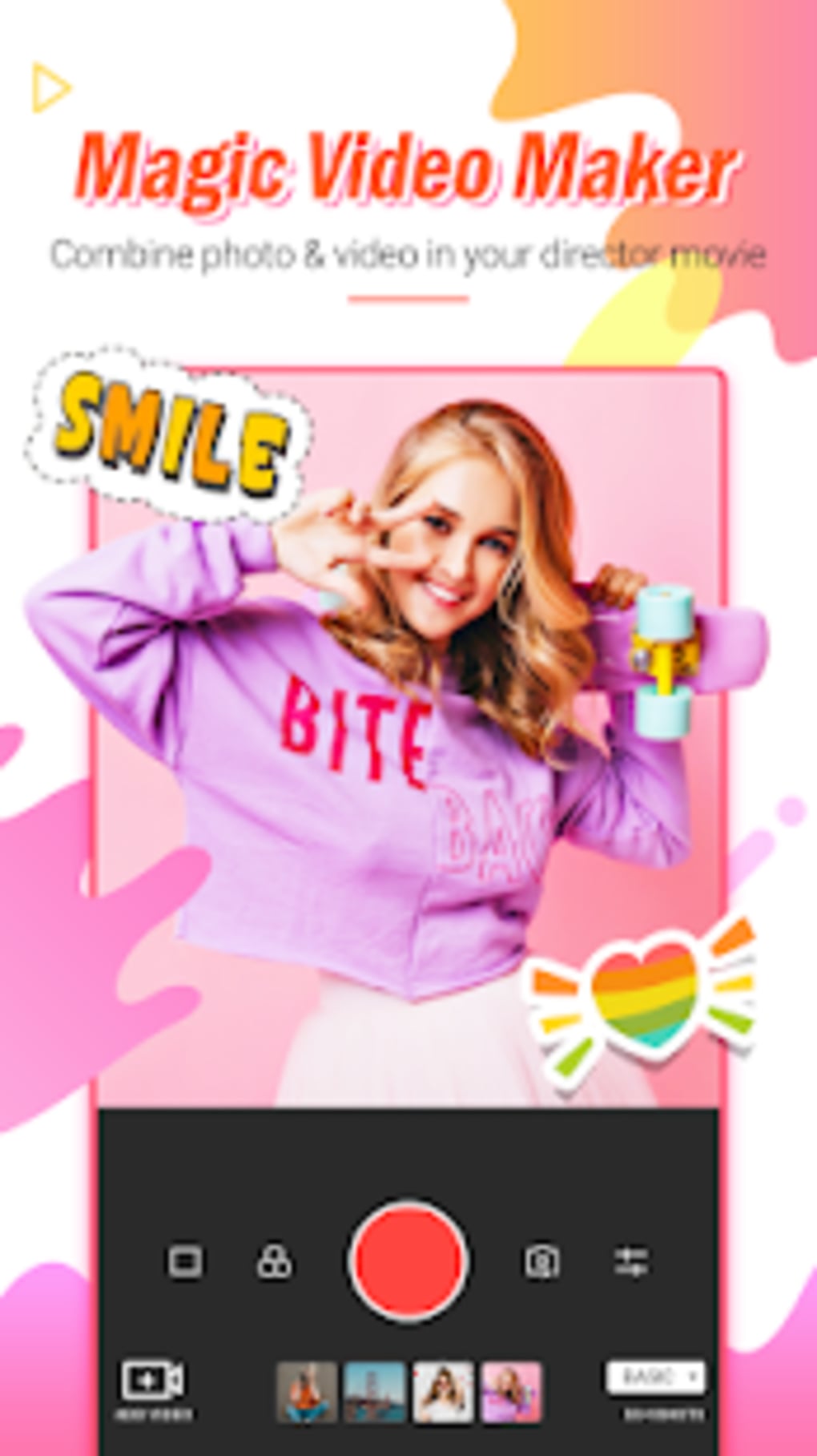
- Photo Slideshow Creation – Arrange personal photos in a custom sequence to build engaging visual stories. Ideal for memory preservation and social media storytelling.
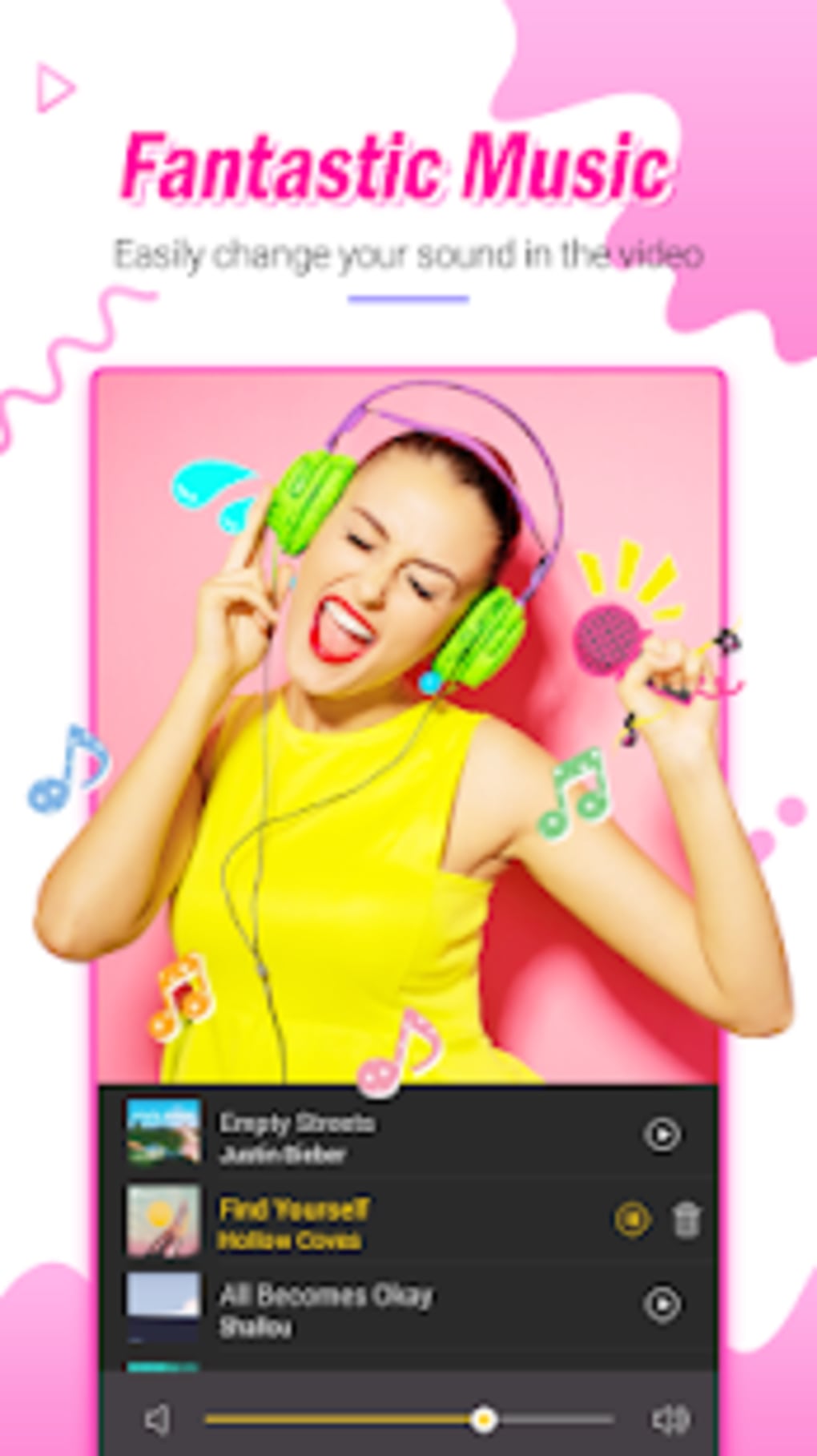
- Integrated Music Library – Add background tracks to videos, enhancing mood and rhythm. Perfect for setting the tone of a vlog or slideshow.
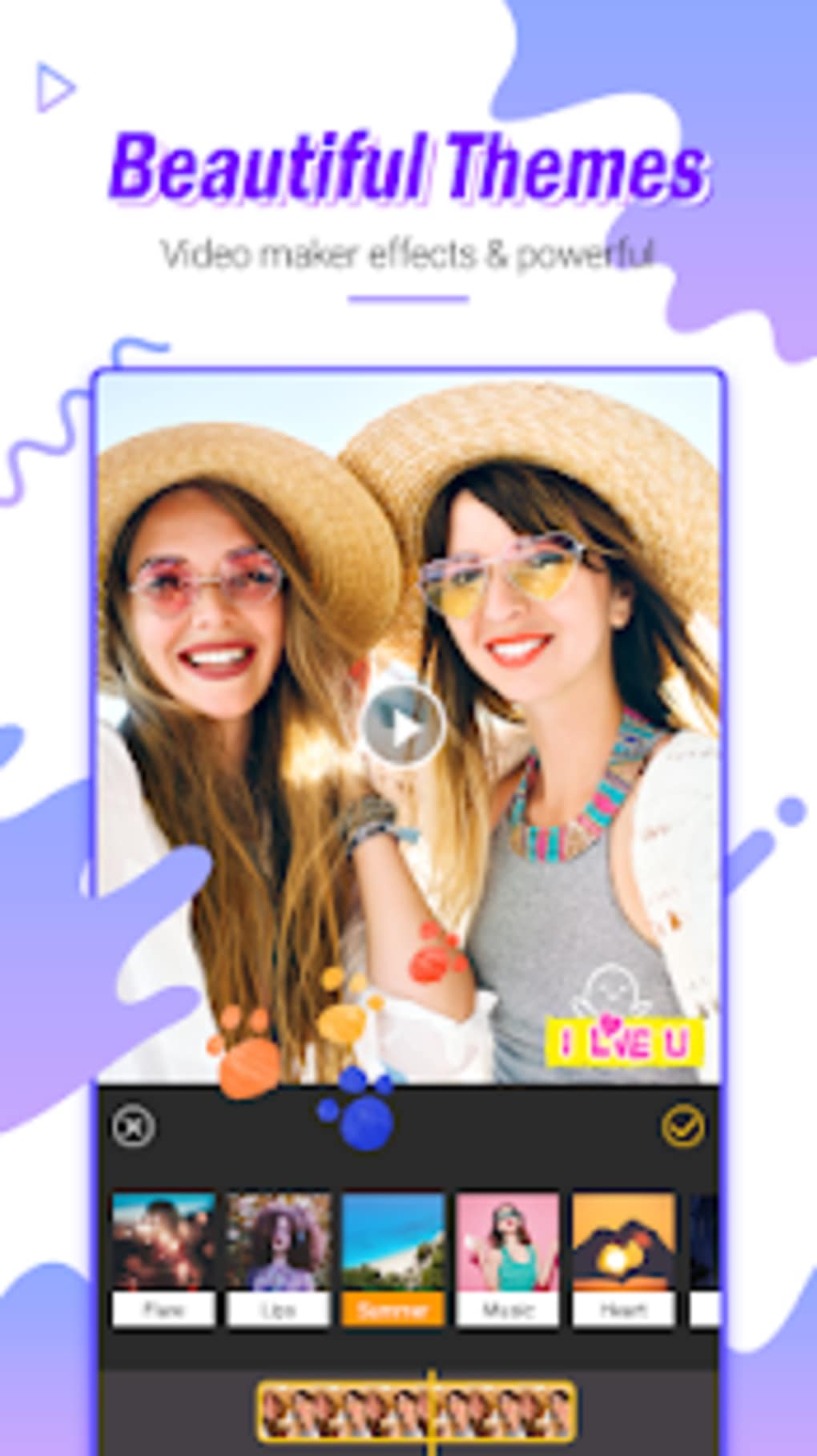
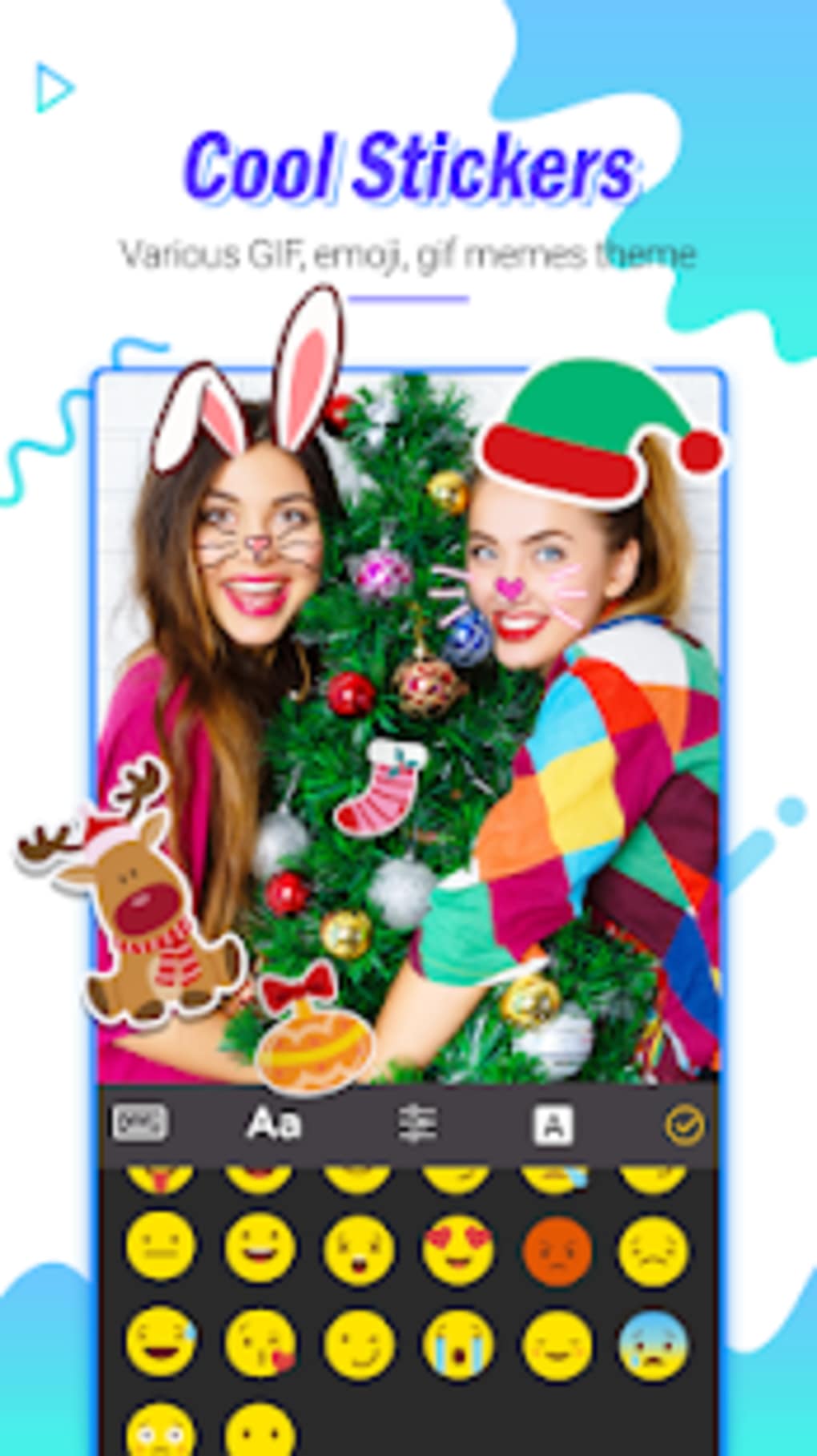
- Over 500 Stickers and Themes – Choose from a wide selection of decorative elements and pre-designed templates to personalize content and increase visual appeal.
- Voice Editor – Record and insert personal voiceovers directly within the app, enabling users to narrate their videos with a personal touch.
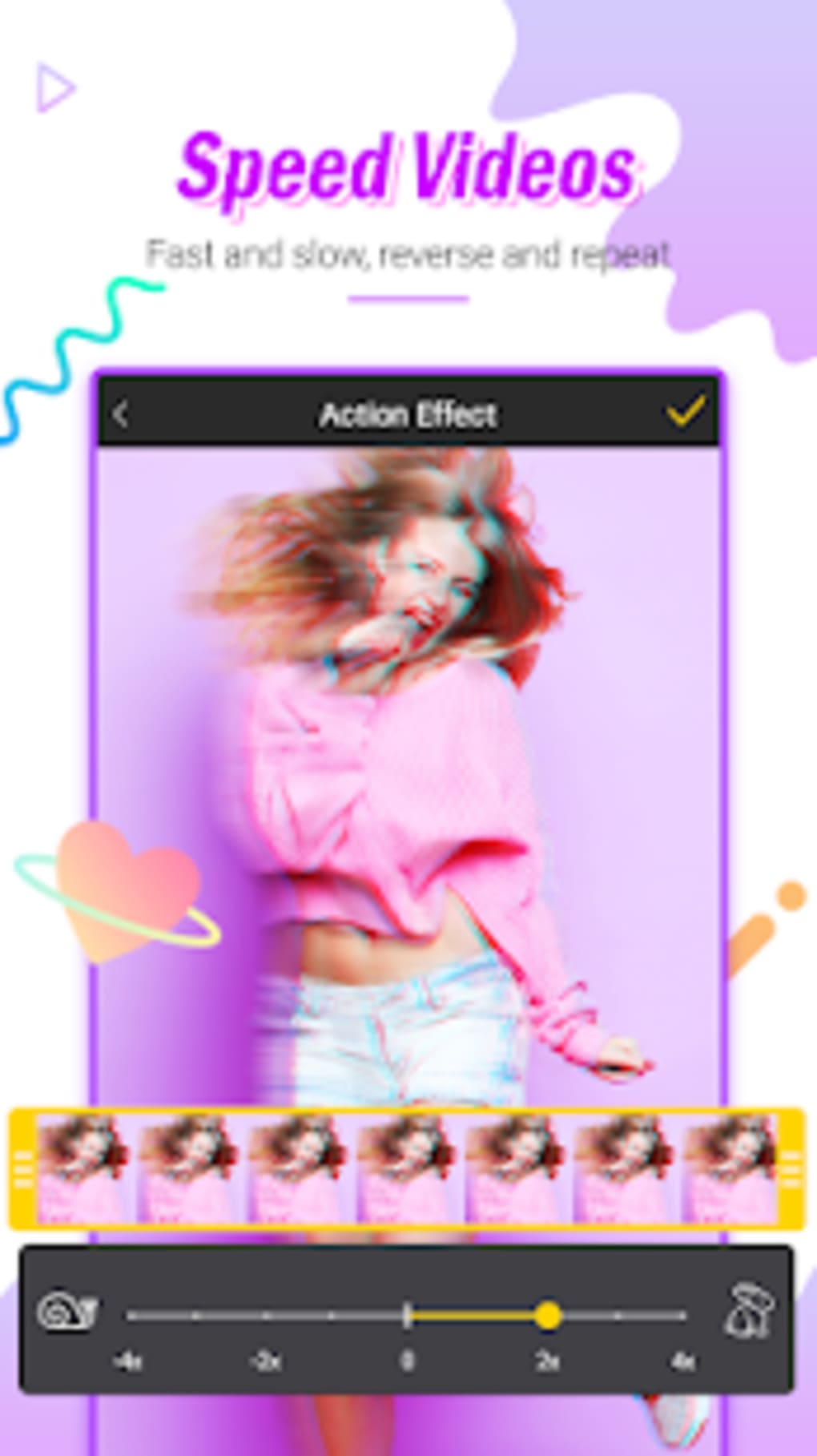
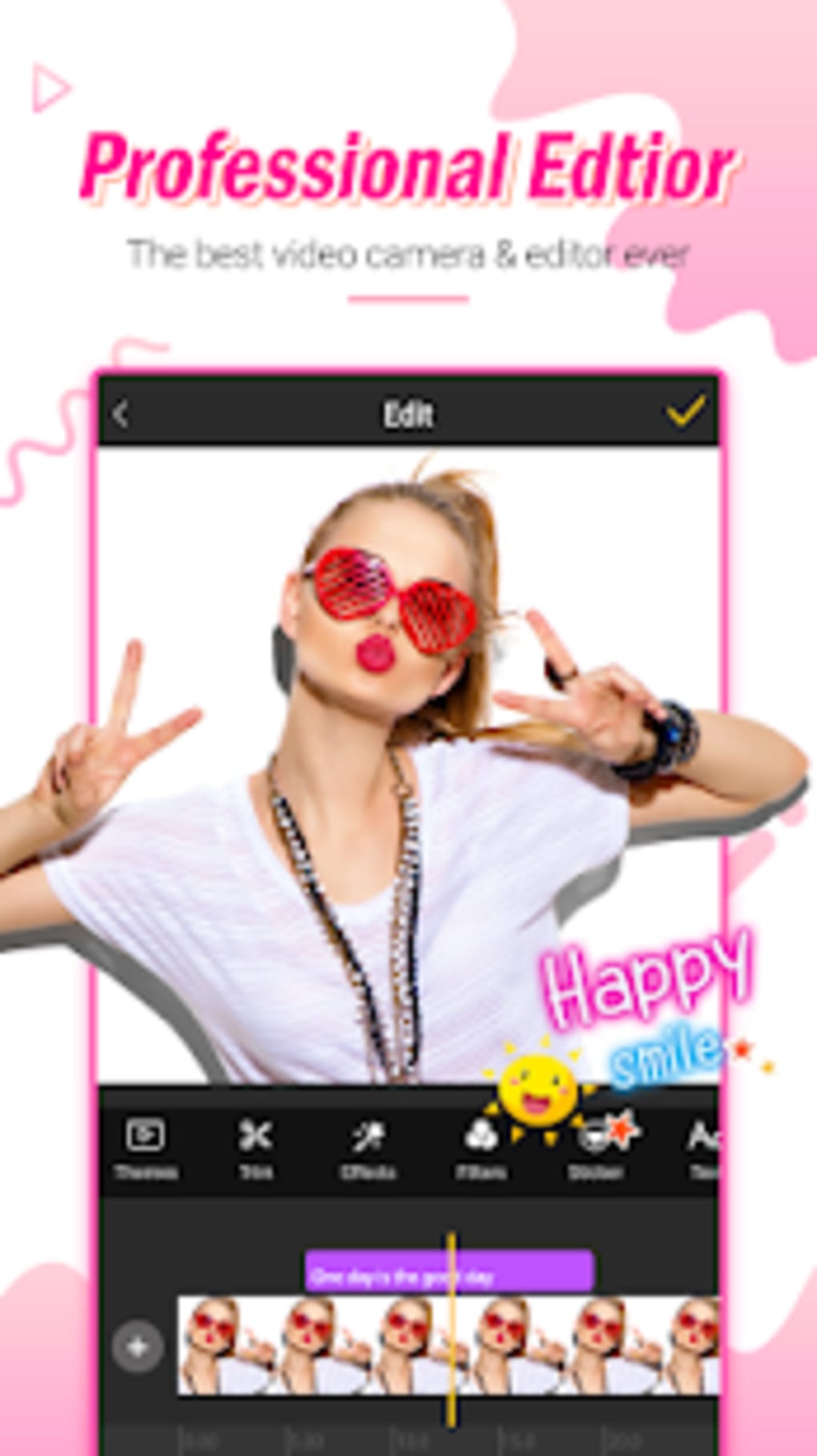
- Visual Effects Suite – Apply fun and eye-catching effects such as lens flares, overlays, and animated transitions to elevate video quality and engagement.
- Offline Editing Support – All core editing functions are available without an internet connection, ensuring uninterrupted workflow and data privacy.
These features collectively empower users to create professional-looking videos with minimal effort. For example, a user can compile vacation photos, add a favorite song, insert a playful sticker theme, and record a voice commentary to produce a compelling travel vlog. The combination of intuitive tools and creative assets makes the app well-suited for quick content production, especially for platforms that prioritize short-form, visually rich media.
User Interface, Workflow & Performance
The user interface of Star Vlog Creator is designed with simplicity in mind, focusing on ease of navigation for users with little to no editing experience. The layout likely follows a linear workflow: import media, arrange clips or photos, apply effects and audio, and export the final video. Navigation is expected to be straightforward, with clearly labeled tools and intuitive controls, reducing the learning curve for new users.
Workflow efficiency is enhanced by the app’s built-in templates and one-tap effects, allowing users to create content rapidly. The editing process is streamlined through drag-and-drop functionality for arranging photos and selecting music. While specific performance data such as CPU or RAM usage were not provided, the app’s lightweight size of 14.2 MB suggests optimized resource management. The developer did not specify resource usage details, but the app’s offline capabilities indicate a focus on stable, consistent performance without background dependencies.
Stability appears to be a priority, given the app’s ability to function without internet access. Users can expect a responsive interface during editing, though actual responsiveness may vary depending on device hardware. Performance observations are based on general software behavior patterns, as no benchmark data was shared.
Compatibility & System Requirements
Star Vlog Creator is designed for Android devices, ensuring accessibility across a wide range of smartphones and tablets. The app is available in version 1.0.1, with a file size of 14.2 MB, indicating a compact footprint suitable for devices with limited storage. This lightweight design supports smooth installation and quick access, even on lower-end Android hardware.
Platform compatibility information is limited to Android, and no additional operating systems were mentioned. The developer did not specify exact system requirements, such as minimum Android version, RAM, or processor specifications. As a result, users are advised to check their device’s compatibility with the latest Android versions before installation. Exact system requirements were not listed, but the app’s small size suggests it is optimized for older or entry-level devices.
Pros and Cons
Pros
- Free to download and use with no in-app purchase prompts.
- Offline functionality allows full editing without internet access.
- Over 500 stickers and themes for creative customization.
- Simple interface ideal for beginners and casual users.
- Includes voice editor and visual effects for enhanced video quality.
- Compact file size of 14.2 MB reduces storage impact.
Cons
- Only available for Android, limiting cross-platform use.
- No information on advanced editing tools or export quality.
- Exact system requirements were not provided.
- Limited to mobile devices; no desktop version available.
- App functionality may vary across different Android devices.
FAQ Section
Is Star Vlog Creator available for iOS devices?
The app is currently only available for Android. No iOS version has been announced.
Do I need an internet connection to edit videos?
No, the app supports offline editing. You can create and modify videos without an active internet connection.
Is the app safe to download and use?
As the app is distributed through official Android channels and developed by Vlog Video Slow Magic PI, it is considered secure for use. Always download from trusted sources to ensure safety.
How often are updates released?
The latest version is 1.0.1, released on July 15, 2024. Update frequency is not specified by the developer.
Can I use this app for commercial content?
The app is free to use, but specific licensing terms for commercial use were not provided. Users should review the app’s terms of service for clarification.
Final Thoughts + CTA
Star Vlog Creator Video Editor Slow Motion APK delivers a streamlined, creative solution for mobile users eager to produce fun, engaging vlogs and slideshow videos. Its free access, offline capabilities, and rich collection of stickers and effects make it a strong choice for beginners and casual content creators. While the app lacks advanced editing features and cross-platform availability, its simplicity and focus on social media-friendly content stand out. The lightweight design ensures smooth performance on most Android devices, and the intuitive workflow reduces the barrier to entry for new users.
For those looking to enhance their social media presence with quick, visually appealing videos, Star Vlog Creator offers a practical and enjoyable experience. Whether capturing memories, sharing daily moments, or creating themed content, this app provides the tools needed to stand out. Download Star Vlog Creator now and start crafting your next viral video with ease.
Guides & Tutorials for Star Vlog Creator Video Editor Slow Motion APK
How to install Star Vlog Creator Video Editor Slow Motion APK
- Click the Preview / Download button above.
- Once redirected, accept the terms and click Install.
- Wait for the Star Vlog Creator Video Editor Slow Motion APK download to finish on your device.
How to use Star Vlog Creator Video Editor Slow Motion APK
This software is primarily used for its core features described above. Open the app after installation to explore its capabilities.
User Reviews for Star Vlog Creator Video Editor Slow Motion APK 0
No reviews found





